
Auto Subtitle Generator
Upload a video and this auto subtitle generator writes, times and formats the subtitles for you — free, without a watermark, and without you touching a timeline.
Word-level alignment, real punctuation and 50+ languages, exported as a clean .srt or .vtt file or burned straight into the picture. Most clips are done in under thirty seconds.
- Free, no watermark
- SRT, VTT or burned in
- 50+ languages
- Under 30 seconds
Caption Maker is live. Create a free account and run your first automatic subtitle pass in minutes.
Free to start. No credit card, no watermark on your exports.
The same timecodes power the on-screen subtitles and the exported .srt file.
Speech in, a timed subtitle track out
Automatic subtitles are only useful if the timing is right. A transcript with rough timings is a text file; a subtitle track with word-level timings is something you can actually publish.
Every cue is aligned to the audio at word level and split on natural speech pauses, so lines land with the voice instead of a beat behind it — and the timecodes in the .srt are the same ones you see on screen.
- Cut on pauses, not on character countLines break where the speaker breathes, so a sentence is never sliced across two cues mid-phrase.
- Punctuation and casing surviveQuestion marks, commas, proper nouns and numbers come back formatted, not as one uninterrupted lowercase run.
- Editable before anything is renderedCorrect a brand name once and it updates across every cue, the SRT and the burned-in export together.
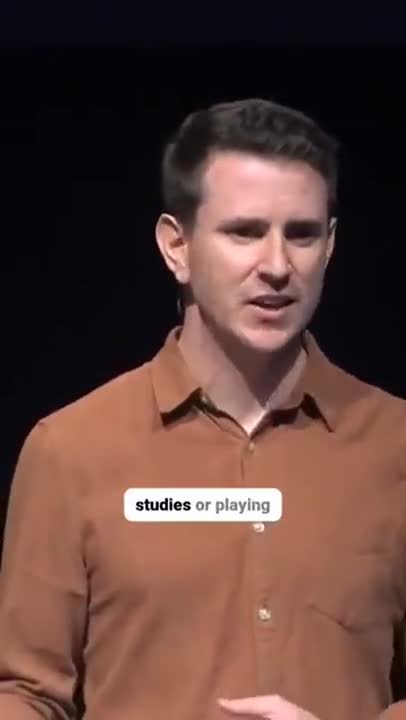
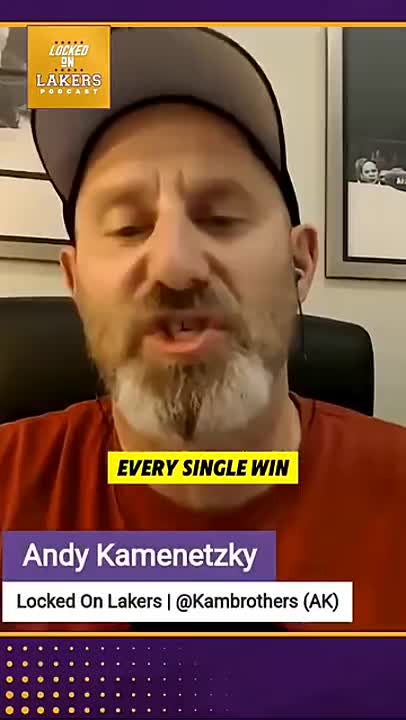
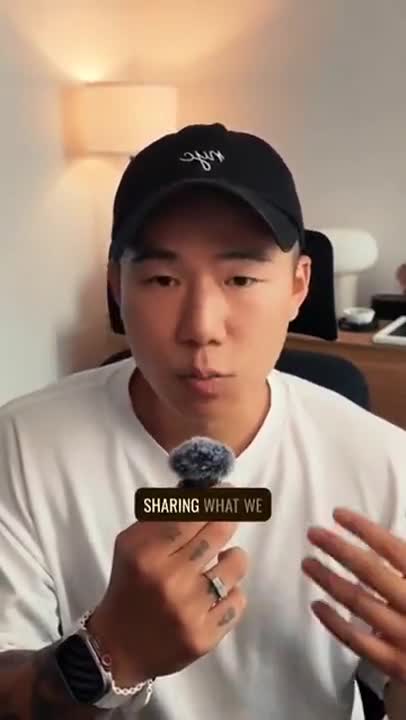
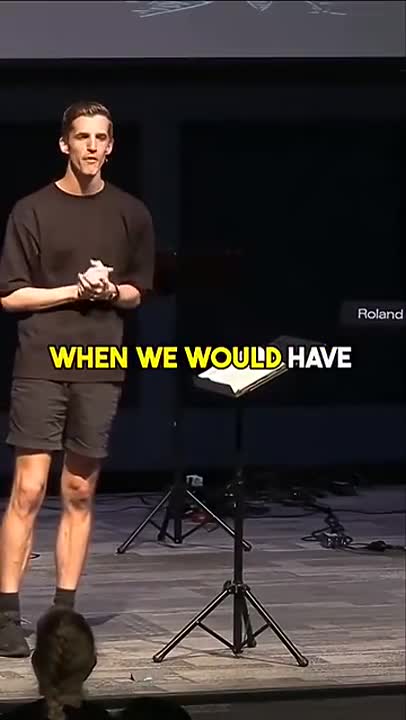
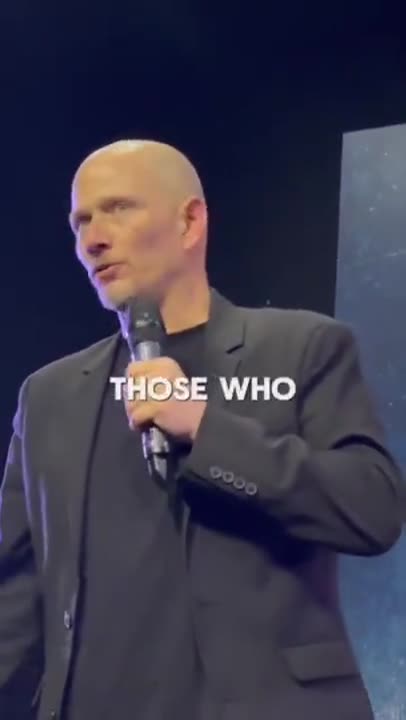
Grow Your YouTube, Instagram & TikTok With AI Subtitles
Auto-generate accurate, viral captions in seconds. Boost engagement and watch time across YouTube Shorts, Instagram Reels, and TikTok clips.


Built to be left alone
The point of an automatic subtitle generator is that you upload once and stop thinking about it. These are the parts that make that true.
Upload and walk away
No pre-set language, no manual sync pass, no splitting long files by hand. One upload produces the transcript, the cue timings and the styled output together.
Word-level alignment
Each word carries its own timestamp, which is what makes karaoke-style highlighting and tight three-word lines possible instead of a lagging block of text.
Language detected for you
More than fifty languages, recognised automatically from the audio. Mixed-language videos keep each stretch in the language it was actually spoken in.
Every export from one pass
An .srt for YouTube, a .vtt for a web player, a plain transcript for the blog post and an MP4 with the subtitles rendered in — all generated from the same transcription.
No watermark, no export credits
Free means free here. Nothing is stamped on your frames, nothing is added to the file, and there is no per-export counter waiting to run out.
Corrections that stick
Edit the transcript rather than the timeline. Timings re-flow around your change automatically, so fixing a word never costs you the sync.
How to automatically add subtitles to a video
Three steps, no timeline scrubbing, and nothing to type by hand.
- 1
Upload the video or audio
Drag in an MP4, MOV, AVI, MKV or WEBM file, or an MP3 or WAV if you only have audio. Nothing to convert first and no file-size gymnastics.
- 2
Let it transcribe and time itself
The auto subtitle generator separates the speech from the background, transcribes it with punctuation, and aligns every word to the audio so subtitle cues change exactly when the speaker does.
- 3
Review, restyle and export
Fix any name or piece of jargon, choose a subtitle style and position, then download an .srt, a .vtt, or the video with subtitles rendered into it.
Why automatic subtitles are worth the thirty seconds
Most video is now watched with the sound off by default — in a feed, in an open-plan office, on a commute, next to a sleeping baby. Without subtitles the first three seconds of a video have to work as a silent film, and most videos are not shot that way.
Subtitles fix that without changing anything about how you shoot or edit. They hold attention through the opening seconds where viewers decide whether to keep watching, they make dense or technical stretches easier to follow, and they open the video to anyone who is deaf or hard of hearing rather than leaving them out of it.
They also make the video legible to machines. A subtitle file is plain text with timecodes, which means search engines, platform recommendation systems and your own site search can all read what was said — something no amount of on-screen graphics gives you.
Silent autoplay is the default
Feeds start videos muted. Subtitles are what carry the first line of the hook before anyone decides to turn the sound on.
Comprehension, not just access
Accents, acronyms, product names and numbers all land more reliably when they are on screen as well as spoken.
Accessibility that is not an afterthought
One automatic pass gets you a subtitle track for every video, instead of captioning only the ones someone complained about.
Text a crawler can read
An uploaded .srt gives platforms and search engines a full transcript of the video, timestamped and indexable.
A free automatic subtitle generator, without the usual asterisk
Most tools that describe themselves as a free automatic subtitle generator are free right up to the export button. The transcript appears, the preview looks right, and then the download is watermarked, capped at a minute, downscaled to 720p, or held behind a credit you have to buy.
That is not what free means here. The full transcription runs, the styling is yours to change, and the file you download is the file you saw — full resolution, no logo burned into the corner, no trailing frame advertising the tool that made it.
If you are comparing the options an auto subtitle generator online free search turns up, the questions worth asking are always the same four: is the export watermarked, is there a length cap, is the resolution reduced, and how many exports do you get before it asks for money. A subtitle generator without watermark should answer no, no, no and unlimited. This one does.
Where the subtitles go next
The right output depends entirely on where the video is published, and it is worth deciding before you export rather than after.
Platforms with a captions button — YouTube, Vimeo, most web players and learning platforms — want a subtitle file. Upload the .srt or .vtt alongside the video and viewers get a toggle while the platform gets an indexable transcript.
Feeds that autoplay muted and offer no captions button — Reels, TikTok, Shorts, LinkedIn, X — need the subtitles burned into the picture, because there is nothing there to switch on. Export the MP4 with subtitles rendered in and they survive being reposted, downloaded and re-uploaded.
If a video is going to both, export both. The transcription only runs once.
Pick the page that matches your video
Same engine underneath, tuned to a different destination.
Frequently Asked Questions
Accuracy, languages, formats — and yes, the watermark question.
Is this auto subtitle generator really free?
Yes. Upload a video, generate the subtitles, edit them and export — all free, with no card and no trial clock. Free covers the whole path from upload to a finished file, not a preview you have to pay to unlock.
Is there a watermark on automatically generated subtitles?
No. Nothing is stamped on the picture, nothing is baked into the subtitle file, and there is no "made with" line appended to your export. The video you download is your video with subtitles on it and nothing else.
How accurate are automatic subtitles?
Accuracy on clear speech typically lands in the high nineties, and this AI subtitle generator keeps punctuation, casing and sentence boundaries rather than returning a wall of lowercase words. Heavy background music, crosstalk and very strong accents are where any engine loses ground, which is why the transcript stays fully editable before you export.
Which languages can it generate subtitles in?
Over fifty, including Hindi, Spanish, Portuguese, Arabic, Indonesian, French, German, Urdu, Japanese and Korean. The spoken language is detected automatically, so you do not have to set it before uploading.
Can I automatically add subtitles to a video online without installing anything?
Yes. It runs in the browser on desktop and mobile, so you can automatically add subtitles to video online free — no app to install, no plugin, and no export queue to sit in. You upload, the transcript comes back, you export.
Do I get an SRT file, or subtitles burned into the video?
Both, from the same pass. Download an .srt or .vtt to attach on YouTube, Vimeo or a web player, or export an MP4 with the subtitles rendered permanently into the frames for feeds that autoplay silently.
How long does it take?
Most clips under two minutes finish in well under thirty seconds. Longer files scale roughly with duration, and you can keep editing other things while a long upload processes.
Can I edit my captions before exporting?
Yes. Correct the transcript, adjust timings, choose a caption style and then export the finished video or a clean SRT or VTT file.
Do I need an account to use Caption Maker?
Caption Maker is live and free to start. Create an account with your email or your Google account, and you can upload, caption and export straight away.
Automatic subtitles, the day we open
Caption Maker is live. Create a free account and let the AI subtitle your first video right now.
- No Credit Card Required
- GDPR Compliant
- Secure Upload