
Korean Captions for Reels
Add Korean captions to any Instagram Reel automatically. Upload the vertical clip, get word-by-word Korean subtitles timed to the speech and burned into the frame — free, no watermark, full 9:16 quality out.
Korean short-form video cuts fast and speaks fast, so Korean captions here run at two to four words a card with word-level timing, English words left in Latin script, and a Hangul font that stays crisp against a bright, busy frame.
- Korean auto-detected
- Word-by-word timing
- 9:16 safe zones
- Free, no watermark
Caption Maker is live. Create a free account and caption your first Korean Reel in minutes.
Free to start. No credit card, no watermark on your exports.
Grow Your YouTube, Instagram & TikTok With AI Subtitles
Auto-generate accurate, viral captions in seconds. Boost engagement and watch time across YouTube Shorts, Instagram Reels, and TikTok clips.

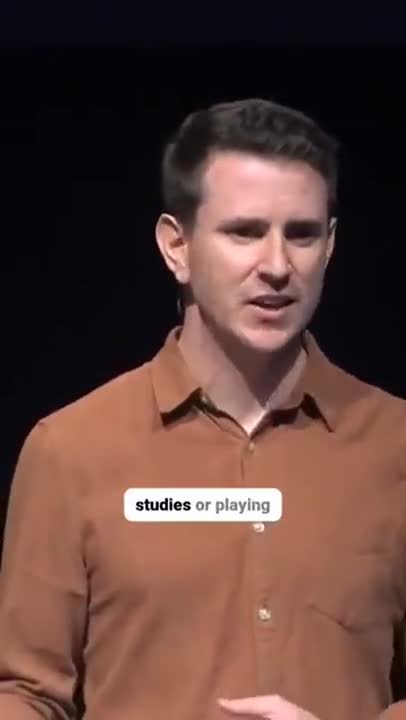

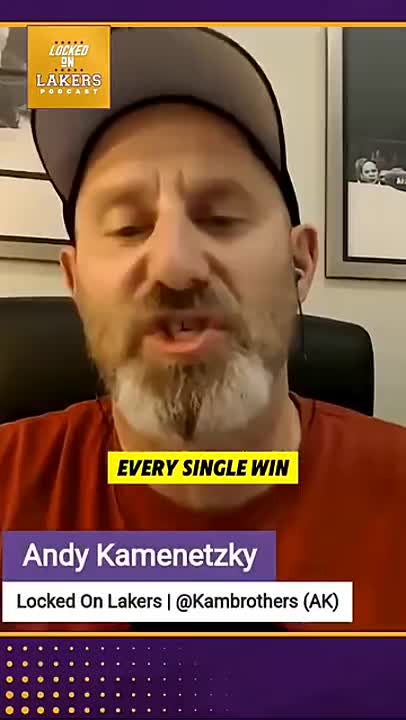
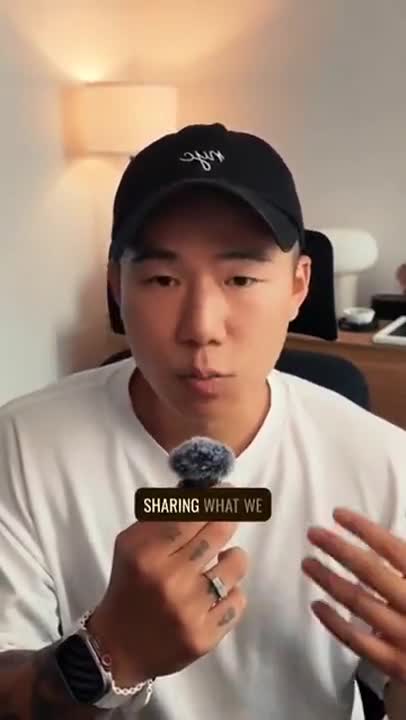
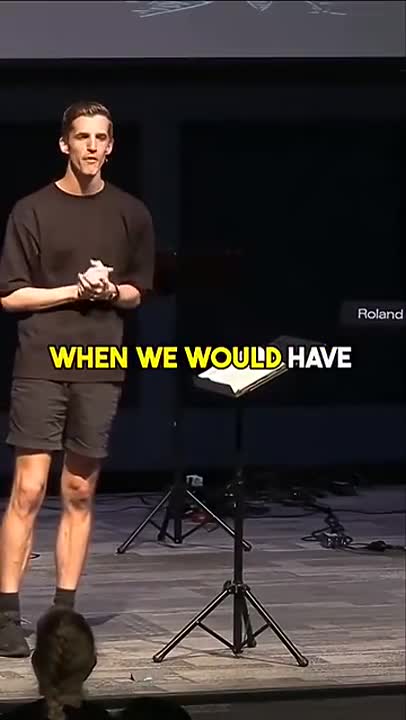
What Korean captions for Reels have to get right
Two problems at once: the Instagram Reels frame, and Korean itself. These are the details that decide whether the captions help or get in the way.
Clear of the Reels interface
Instagram draws the username, caption text and audio label over the bottom of a Reel and the action rail down the right edge. Korean captions are placed in the middle third by default so nothing is covered on any phone.
Timed to the word
Every word carries its own timestamp, so a karaoke-style highlight lands on the beat rather than a half-second behind — the tell that gives cheap auto-captions away.
Burned in, so they always show
Instagram's own auto-captions are off by default, missing for many languages and easy to swipe away. Korean text rendered into the picture is there for every viewer, muted or not.
Spacing that follows the rules
Korean word spacing is governed by rules that are easy to get wrong, and wrong spacing changes how a sentence is read. The transcript applies standard spacing rather than guessing.
English kept English
Korean creators use English words, product names and slang freely. Those stay in Latin script where the speaker used them rather than being forced into Hangul transliteration.
How to add Korean captions to Reels
Vertical clip in, captioned video out, ready to post.
- 1
Upload the vertical clip
Drop in your 9:16 export from CapCut, Premiere, your phone or Instagram itself. No cropping to a template and no re-encode first.
- 2
Generate Korean captions
The model transcribes the Korean audio into Hangul with standard word spacing, keeps English loanwords and brand names in Latin script where the speaker used them, and times each line to the frame. Lines are then broken into the short groups short-form viewers actually read.
- 3
Style, position and export
Pick a caption style, keep it inside the Reels safe zone with one control, and download the MP4 with Korean captions burned in — then post it as you would any Reel.
Why Korean Reels need burned-in captions
The Reels feed autoplays muted. A viewer arrives mid-sentence, has no idea what the video is, and decides in about a second whether to keep watching. For a Korean-speaking audience scrolling with the sound off — which is most of them, most of the time — the only version of your script that reaches them is the one on screen.
Instagram's built-in captions do not solve this. They have to be switched on per Reel, they are unavailable or unreliable in many languages, and they render in Instagram's own style, which you cannot control. Captions burned into the frame are in your font, your colour and your position, and they travel with the file when the Reel is downloaded, shared to a story or reposted to TikTok and Shorts.
The platform also decides where your text can go. The bottom of a Reel carries your username, the caption and the audio ticker; the right edge carries the like, comment, share and save buttons. Anything placed underneath those is a gamble on the viewer having the same phone as you. Captions here sit in the middle third by default and you can move them anywhere that is still safe.
Muted by default
Most Reels views happen with no audio. Without captions the words simply never reach those viewers.
Your style, not Instagram's
Font, colour, highlight and position are yours to set, and reusable so a series of Reels looks consistent.
Reposted intact
Burned-in captions survive a download, a story share and a cross-post to TikTok or Shorts.
Full 9:16 out
1080x1920 in comes back as 1080x1920 — no crop, no downscale, no watermark.
Korean on a 9:16 screen
Korean short-form video cuts fast and speaks fast, so Korean captions here run at two to four words a card with word-level timing, English words left in Latin script, and a Hangul font that stays crisp against a bright, busy frame.
The transcription is the same one behind the Korean subtitle generator: the model transcribes the Korean audio into Hangul with standard word spacing, keeps English loanwords and brand names in Latin script where the speaker used them, and times each line to the frame. For Reels, the result is then split into three- or four-word cards and rendered with a font that has the full Hangul character set, so nothing falls back to a box or a smudge at phone size.
More Korean captions, and more languages
The other places this Korean export can go, and the languages people caption most often for Reels.
Frequently Asked Questions
Specific to Korean on Instagram Reels.
How do I add Korean captions to an Instagram Reel?
Upload the finished vertical clip here, let the transcription generate and time the Korean captions, style them, and download the MP4 with the text burned in. Post that file as you would any Reel — nothing to switch on inside Instagram.
Does Instagram generate Korean captions automatically?
Instagram's auto-captions are limited to certain languages and regions, are off by default, and cannot be styled or positioned. Burned-in Korean captions from Caption Maker show for every viewer in the look you chose.
Is there a watermark on the Reel I download?
No. The file is your clip at full resolution with the captions rendered in and nothing else — no logo, no end card, no watermark.
Where should captions sit on a Reel?
In the middle third of the frame. The bottom carries your username, caption and audio label, the right edge carries the action rail, and both vary by device. The default placement here stays clear of all of it.
Can I use the same export for Shorts and TikTok?
Yes. The frame, safe zones and styling are the same 9:16 problem, so one captioned export can go to all three.
Does it handle Korean mixed with English?
Yes. English words, product names and slang are kept in Latin script where the speaker used them rather than being transliterated into Hangul.
Is the word spacing correct?
Standard Korean spacing rules are applied to the transcript. Anything you want changed is a click away in the editor.
Can I edit my captions before exporting?
Yes. Correct the transcript, adjust timings, choose a caption style and then export the finished video or a clean SRT or VTT file.
Do I need an account to use Caption Maker?
Caption Maker is live and free to start. Create an account with your email or your Google account, and you can upload, caption and export straight away.
Caption your Korean Reels now
Caption Maker is live. Create a free account and add Korean captions to your next Reels in minutes.
- No Credit Card Required
- GDPR Compliant
- Secure Upload