
Romanian Captions for Shorts
Add Romanian captions to any YouTube Short automatically. Upload the vertical clip, get word-by-word Romanian subtitles timed to the speech and burned into the frame — free, no watermark, full 9:16 quality out.
Romanian short-form captions can go out with full diacritics or stripped to plain Latin to match how the audience actually reads on Instagram and TikTok, and either way ș and ț are the correct comma-below forms so no font renders them as a smudge.
- Romanian auto-detected
- Word-by-word timing
- 9:16 safe zones
- Free, no watermark
Caption Maker is live. Create a free account and caption your first Romanian Short in minutes.
Free to start. No credit card, no watermark on your exports.
Grow Your YouTube, Instagram & TikTok With AI Subtitles
Auto-generate accurate, viral captions in seconds. Boost engagement and watch time across YouTube Shorts, Instagram Reels, and TikTok clips.
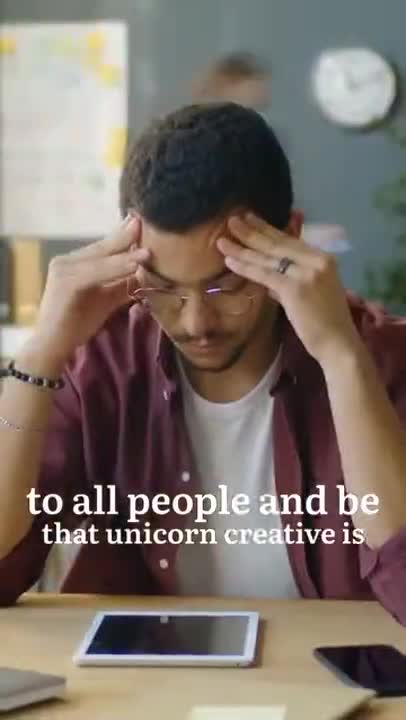
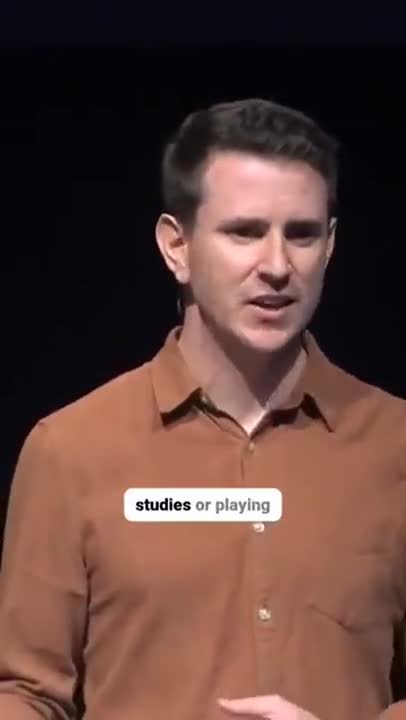
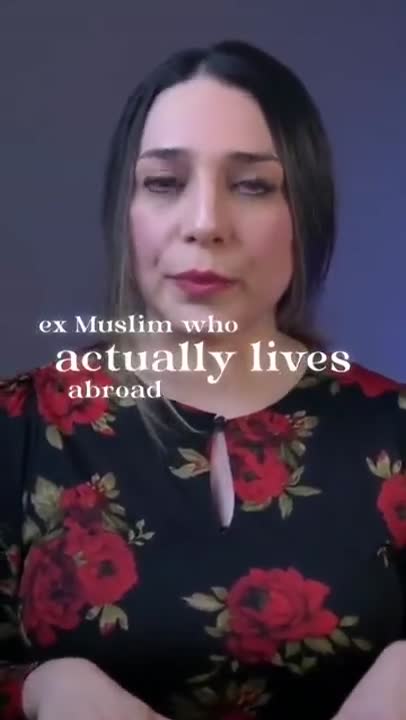
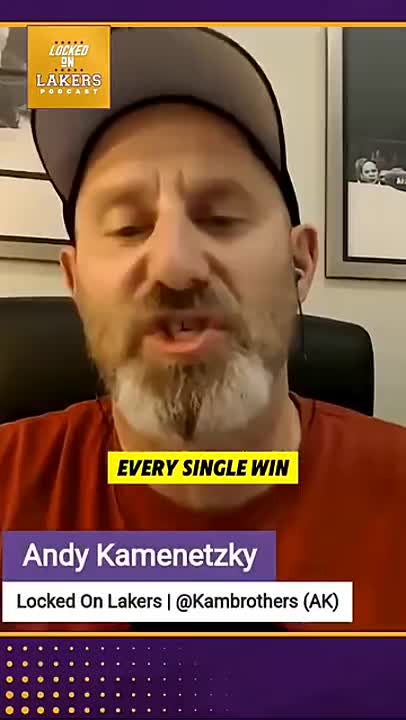
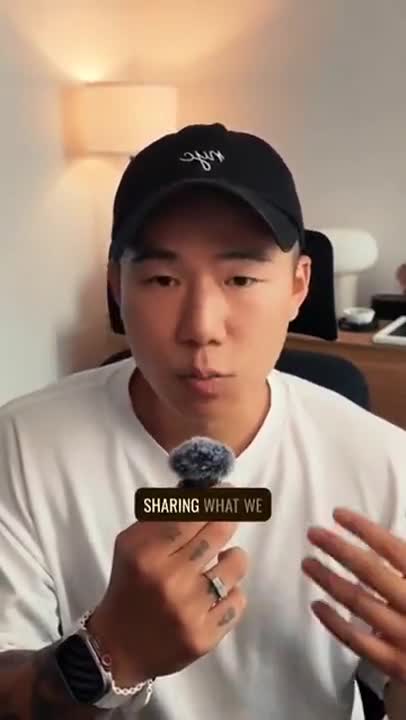
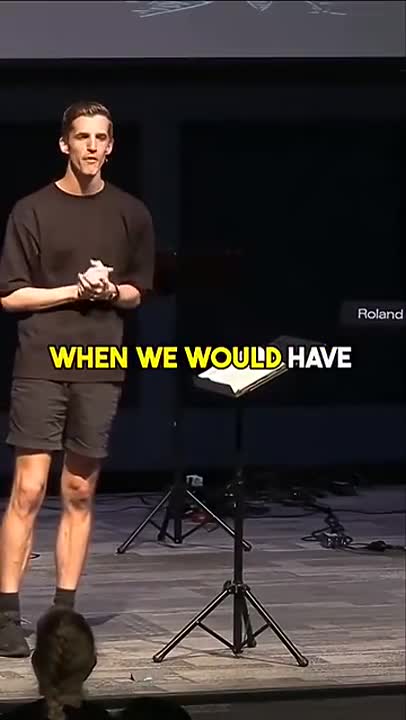
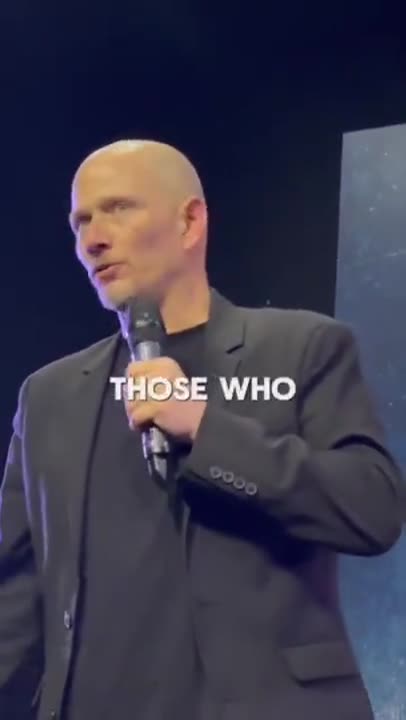
What Romanian captions for Shorts have to get right
Two problems at once: the YouTube Shorts frame, and Romanian itself. These are the details that decide whether the captions help or get in the way.
Clear of the Shorts interface
The Shorts badge and title sit at the top, the channel handle, description and progress bar at the bottom, and the action rail on the right. Romanian captions default to the middle third so they are never covered.
Timed to the syllable
Word-level timestamps drive the highlight, so the text keeps pace with fast speech instead of lagging behind it.
Burned in, not a CC track
The Shorts player buries the captions button where a scrolling viewer never presses it. Romanian text rendered into the picture is the only version that reliably gets read.
Comma below, not cedilla
Ș and ț are written with the comma below, as the Romanian standard requires, rather than the Turkish-style cedilla that old keyboards produce and some fonts render wrongly.
With or without diacritics
Most Romanians type without diacritics online. Export full standard spelling, or strip the diacritics for a social audience — the transcript is the same underneath.
How to add Romanian captions to Shorts
Vertical clip in, captioned video out, ready to post.
- 1
Upload the vertical clip
Drop in your 9:16 export from CapCut, Premiere, Final Cut or your phone. No cropping to a supported shape and no re-encode first.
- 2
Generate Romanian captions
The model transcribes the Romanian audio with all five diacritics in their correct Unicode forms, resolves the attached articles and verb forms from context, and times each line to the frame. Lines are then broken into the short groups short-form viewers actually read.
- 3
Style, position and export
Pick a caption style, keep it inside the Shorts safe zone with one control, and download the MP4 with Romanian captions burned in, ready to upload.
Why Romanian Shorts need on-screen captions
The Shorts feed is a muted, autoplaying, thumb-driven surface. A Romanian-speaking viewer lands mid-sentence and gives the video about a second. Sound is off by default and often stays off for the whole session, so on-screen text is the primary channel, not a secondary one — the hook has to be readable before it is audible.
YouTube's auto-generated captions for Shorts are a subtitle track: hidden behind a button, rendered in YouTube's style, and unreliable for many languages. Captions burned into the frame are in your font and colour, sit where you put them, and are there whether or not anyone taps CC — and they survive when the clip is downloaded and reposted to Reels or TikTok.
They also carry the middle. Retention on a Short falls off in the first few seconds, and Romanian text moving in time with the speech gives the eye something to track — a reason to stay through the setup and reach the payoff.
Muted by default
Most Shorts impressions happen with no audio. Without captions the script does not reach those viewers.
No CC button worth pressing
The Shorts player hides captions. Burned-in text is the only version a scrolling viewer will see.
Retention through the setup
Moving text holds attention through the seconds before the payoff, which is where Shorts lose people.
Full 9:16 out
1080x1920 in comes back as 1080x1920 — no crop, no downscale, no watermark.
Romanian on a 9:16 screen
Romanian short-form captions can go out with full diacritics or stripped to plain Latin to match how the audience actually reads on Instagram and TikTok, and either way ș and ț are the correct comma-below forms so no font renders them as a smudge.
The transcription is the same one behind the Romanian subtitle generator: the model transcribes the Romanian audio with all five diacritics in their correct Unicode forms, resolves the attached articles and verb forms from context, and times each line to the frame. For Shorts, the result is then split into three- or four-word cards and rendered with a font that has the full Latin with ă, â, î, ș, ț character set, so nothing falls back to a box or a smudge at phone size.
More Romanian captions, and more languages
The other places this Romanian export can go, and the languages people caption most often for Shorts.
Frequently Asked Questions
Specific to Romanian on YouTube Shorts.
How do I add Romanian captions to a YouTube Short?
Upload the vertical clip here, let the transcription generate and time the Romanian captions, style them, and download the MP4 with the text burned in. Upload that file as your Short — there is nothing to enable on YouTube.
Are YouTube's automatic Romanian captions good enough for Shorts?
They are a hidden CC track in YouTube's own style, and accuracy varies a lot by language. Burned-in Romanian captions from Caption Maker are visible to every viewer, in your style, and can be corrected before you publish.
Is there a watermark on the Short I download?
No. The file is your clip at full resolution with the captions rendered in and nothing else — no logo, no end card, no watermark.
Where should captions sit in a Short?
In the middle third, roughly between 40% and 60% of the height, clear of the Shorts badge at the top, the handle and progress bar at the bottom, and the action rail on the right.
Can I use the same export for Reels and TikTok?
Yes. The frame, safe zones and styling are the same 9:16 problem, so one captioned export can be posted to all three.
Does it write ș and ț with the comma below?
Yes. The correct Unicode comma-below characters are used rather than the cedilla forms, and everything is exported as UTF-8.
Can I export Romanian subtitles without diacritics?
Yes. Full standard spelling is the default, and a version with diacritics stripped can be exported for audiences that read plain Latin faster on a phone.
Can I edit my captions before exporting?
Yes. Correct the transcript, adjust timings, choose a caption style and then export the finished video or a clean SRT or VTT file.
Do I need an account to use Caption Maker?
Caption Maker is live and free to start. Create an account with your email or your Google account, and you can upload, caption and export straight away.
Caption your Romanian Shorts now
Caption Maker is live. Create a free account and add Romanian captions to your next Shorts in minutes.
- No Credit Card Required
- GDPR Compliant
- Secure Upload